 earmark
Files and batches
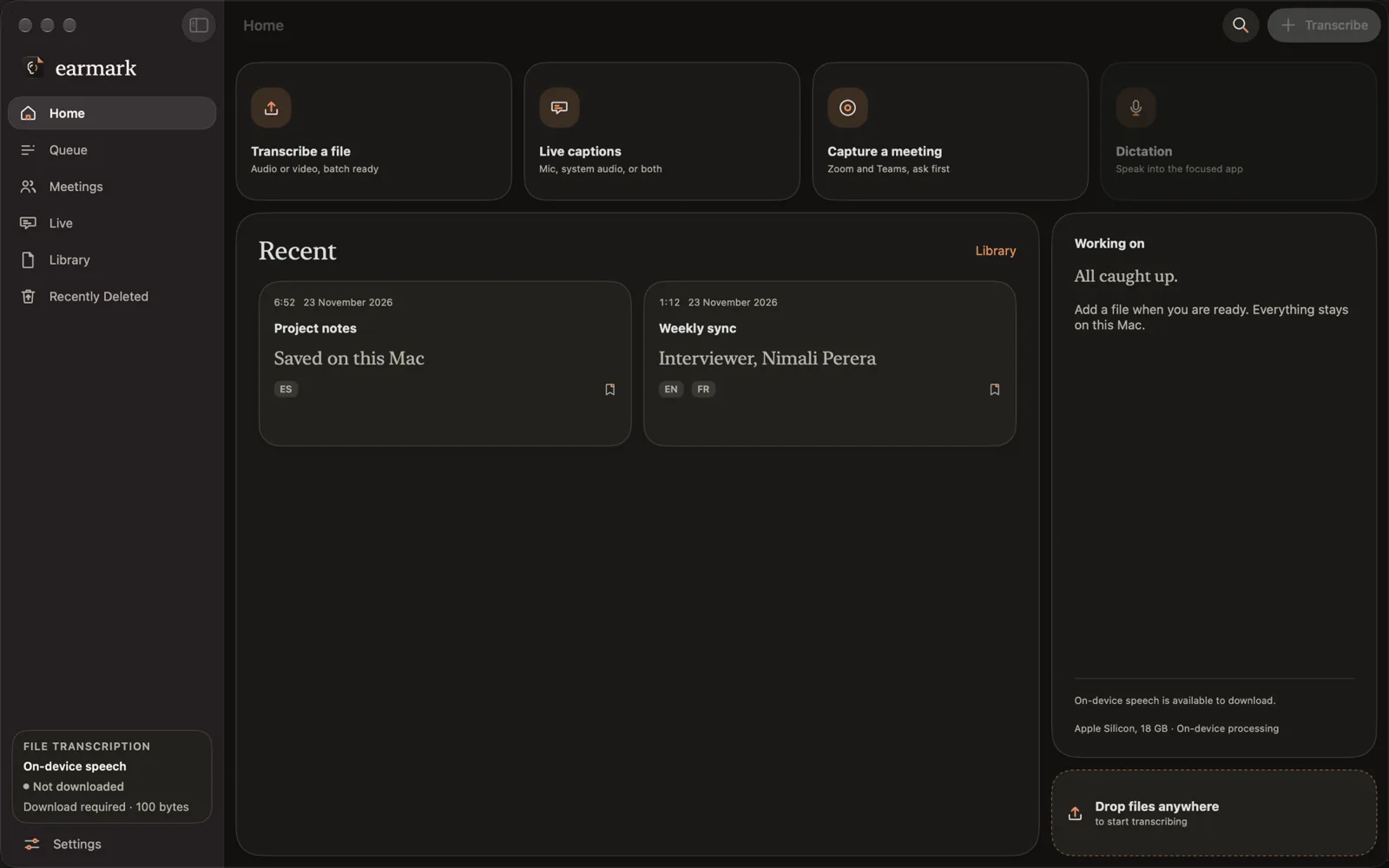
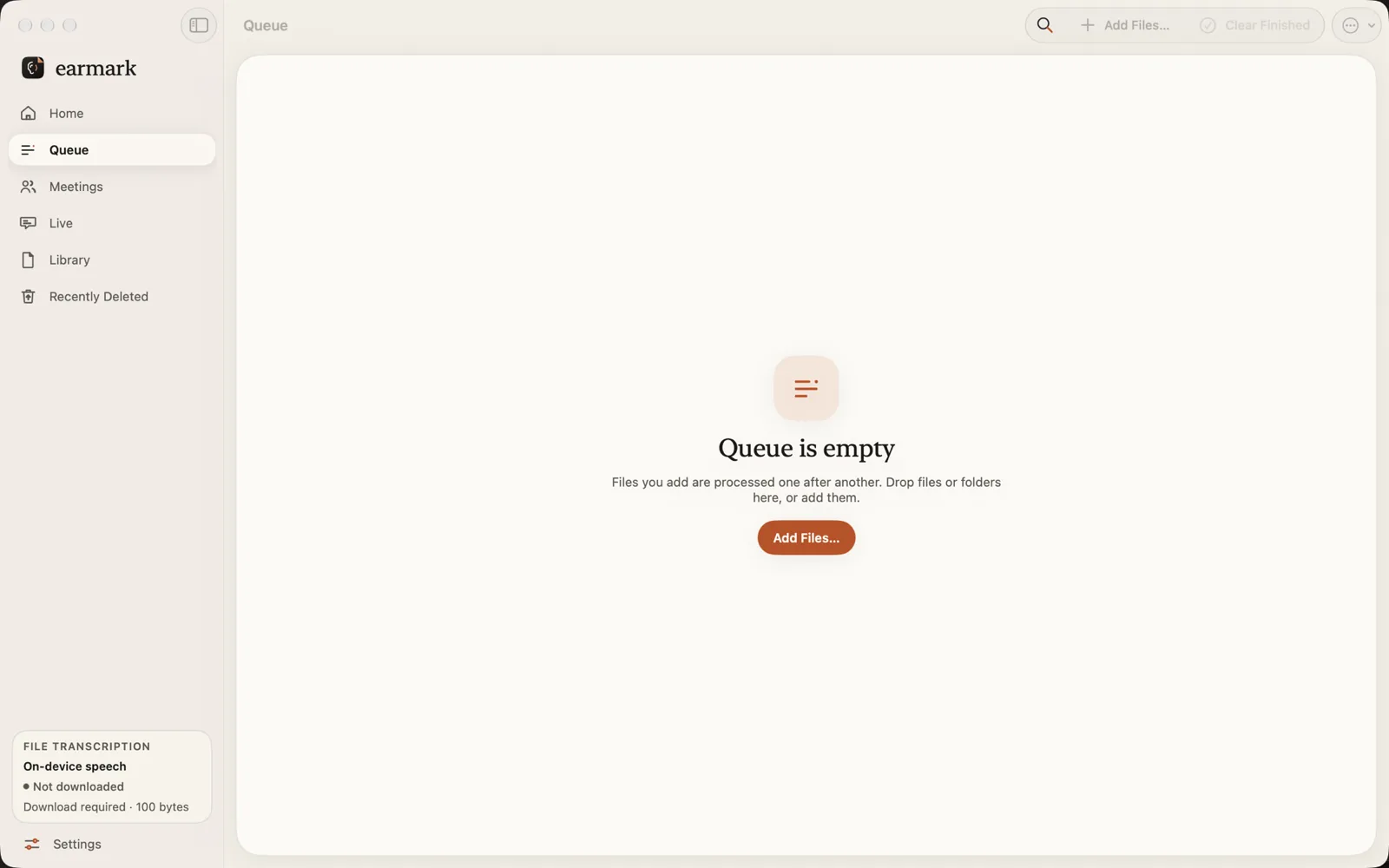
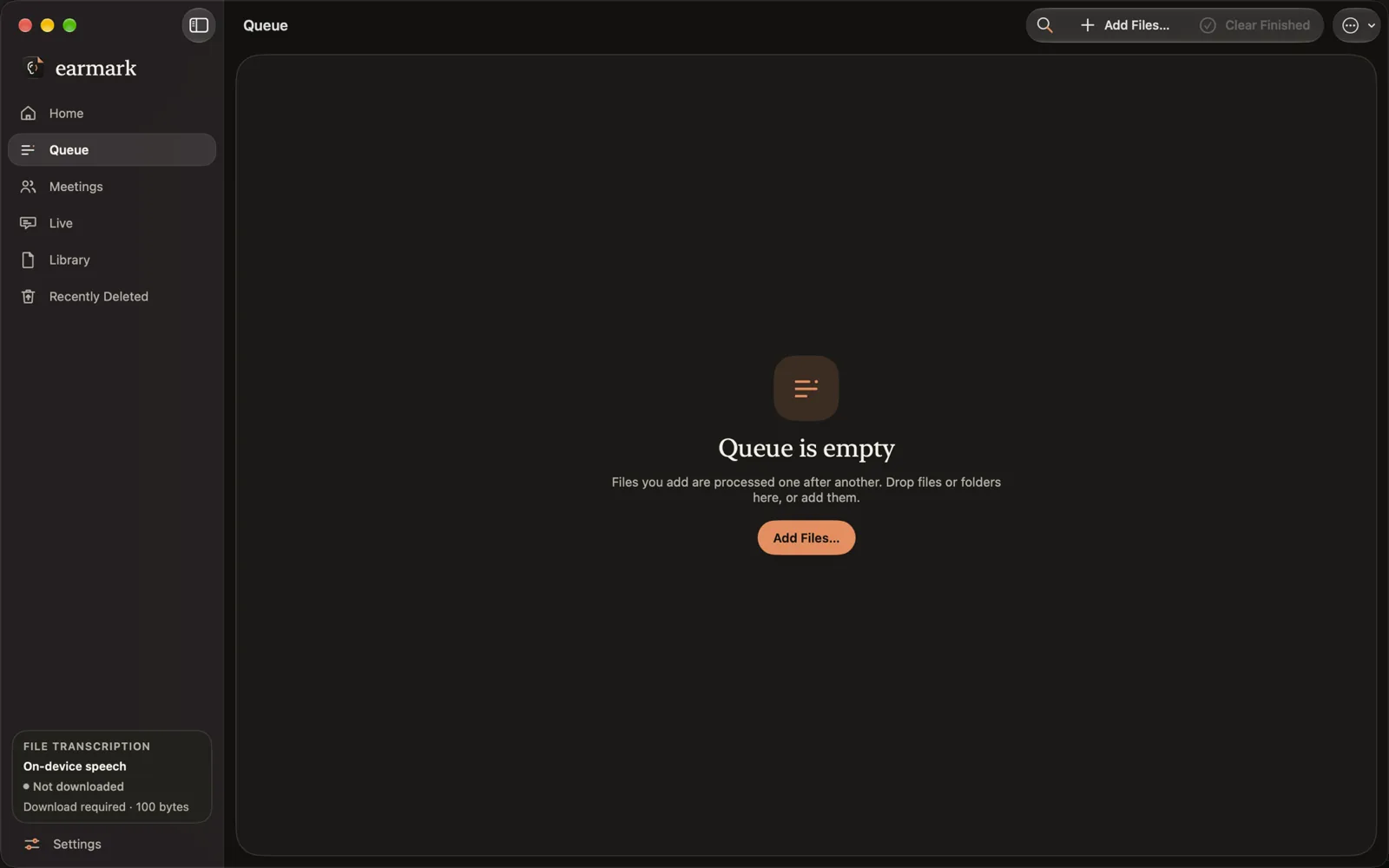
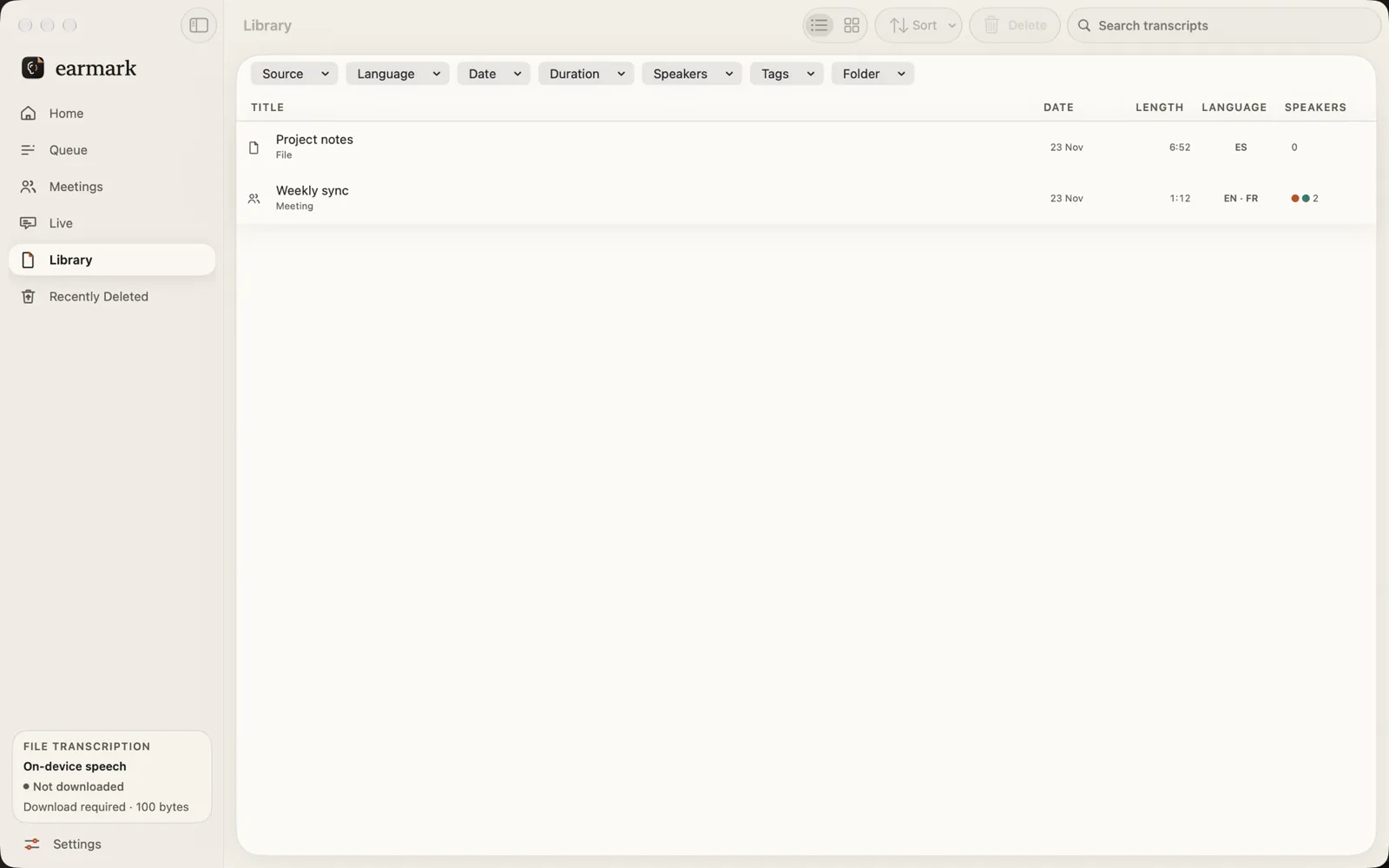
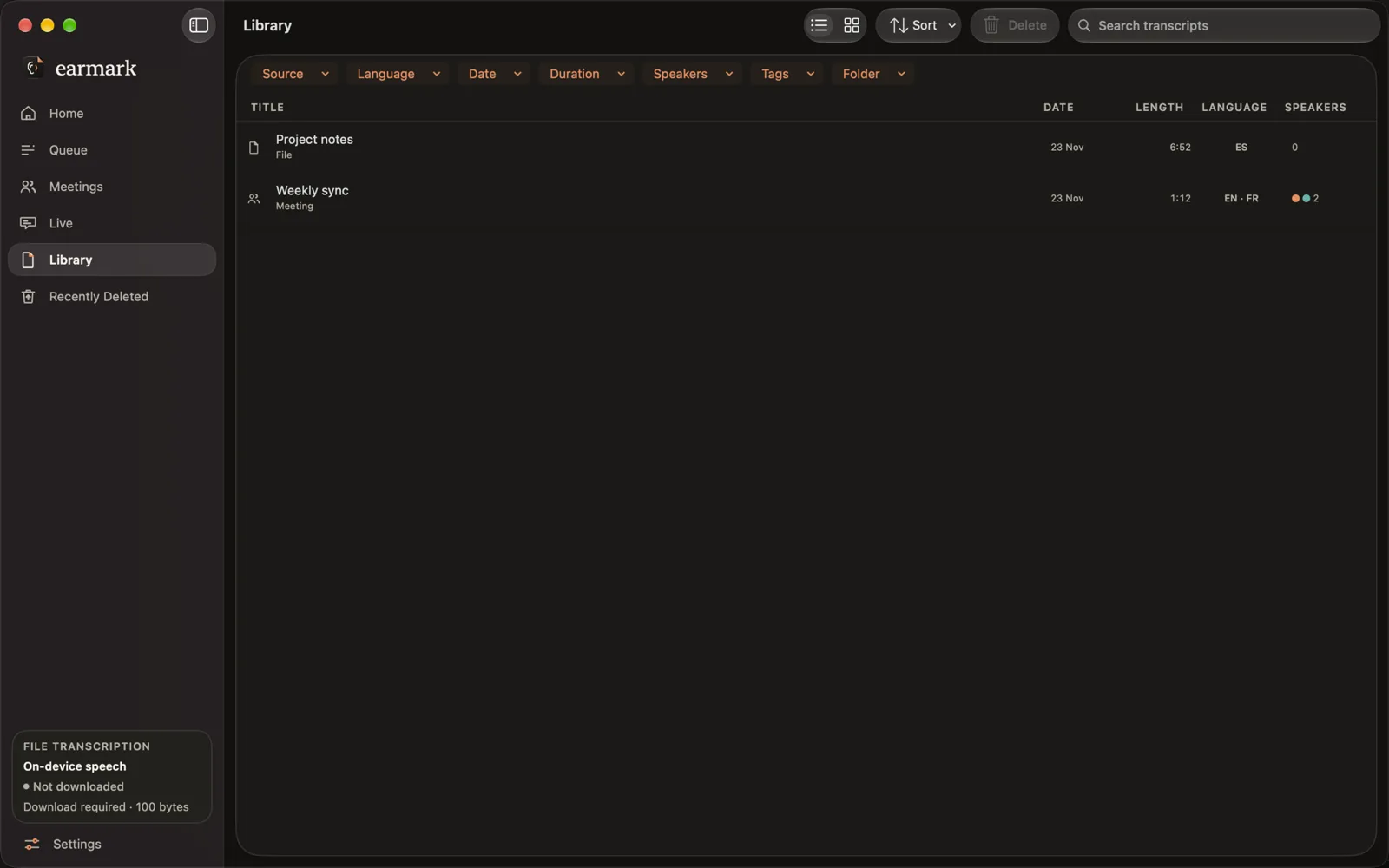
Drop audio, video or folders into a queue.

Private transcription, live captions and an editor, all on your Mac.
macOS 26+ · Apple silicon · Free
Features
Drop audio, video or folders into a queue.
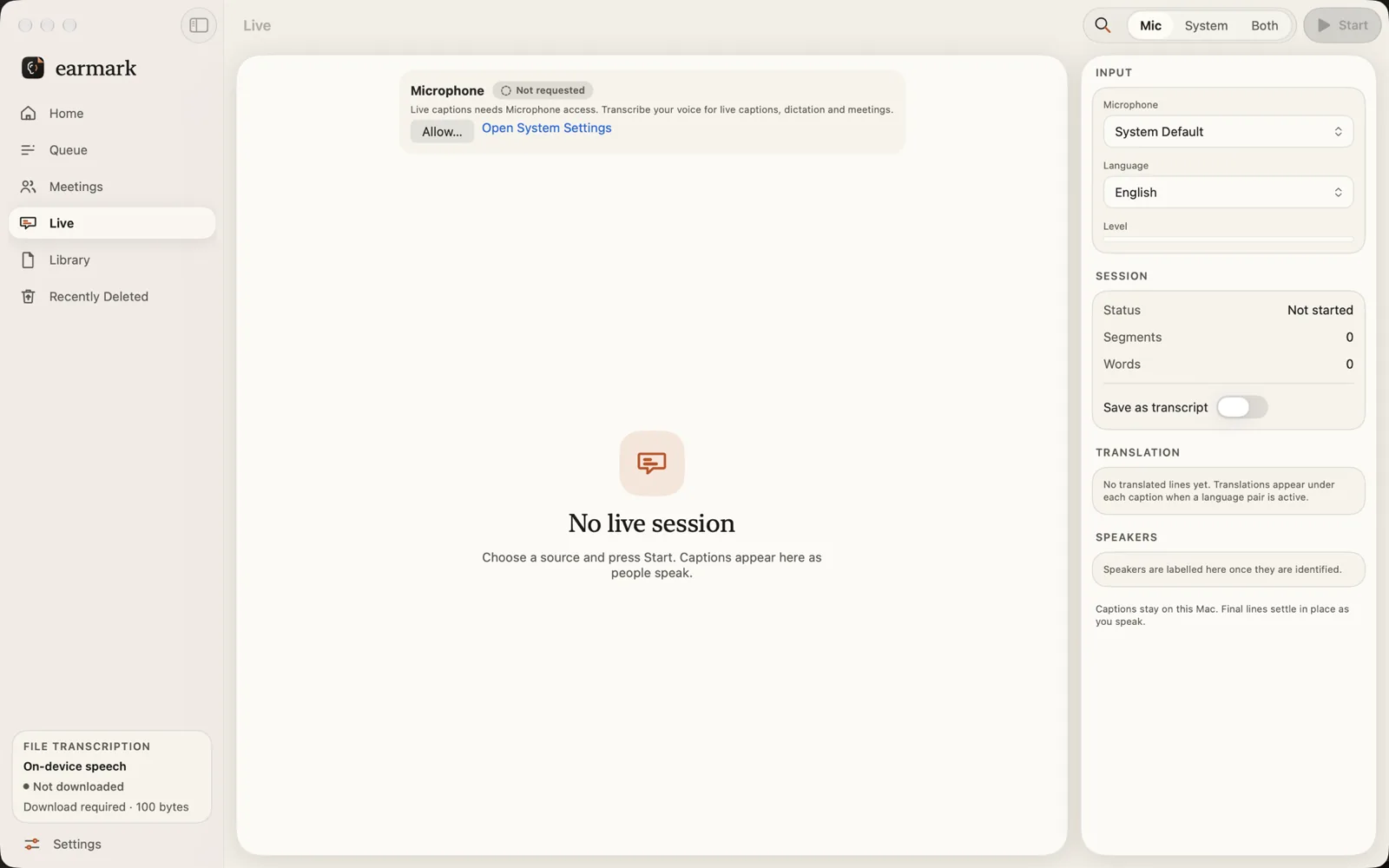
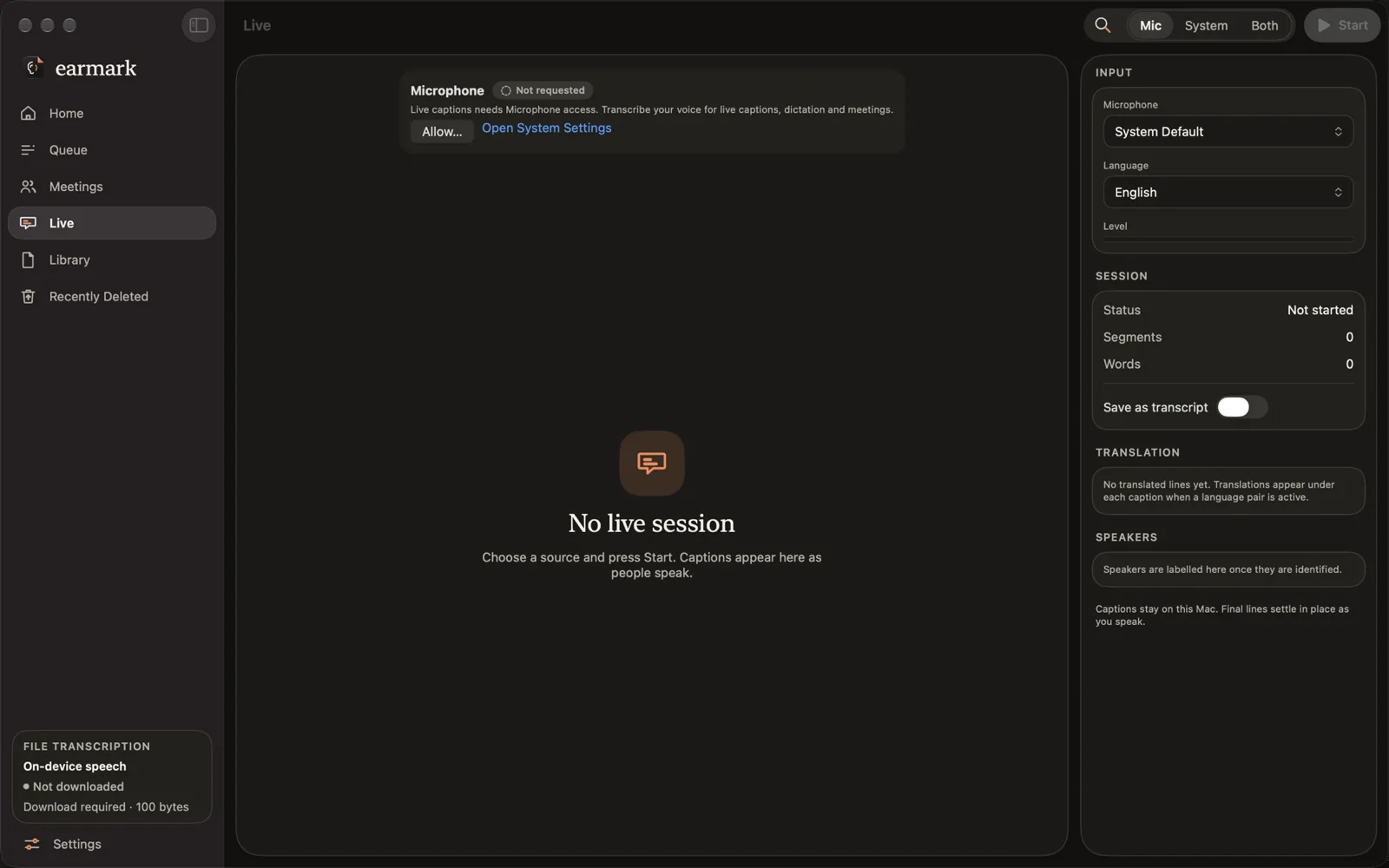
A floating overlay for mic or system audio.
One shortcut types into the focused app.
Zoom and Teams calls, only when you say so.
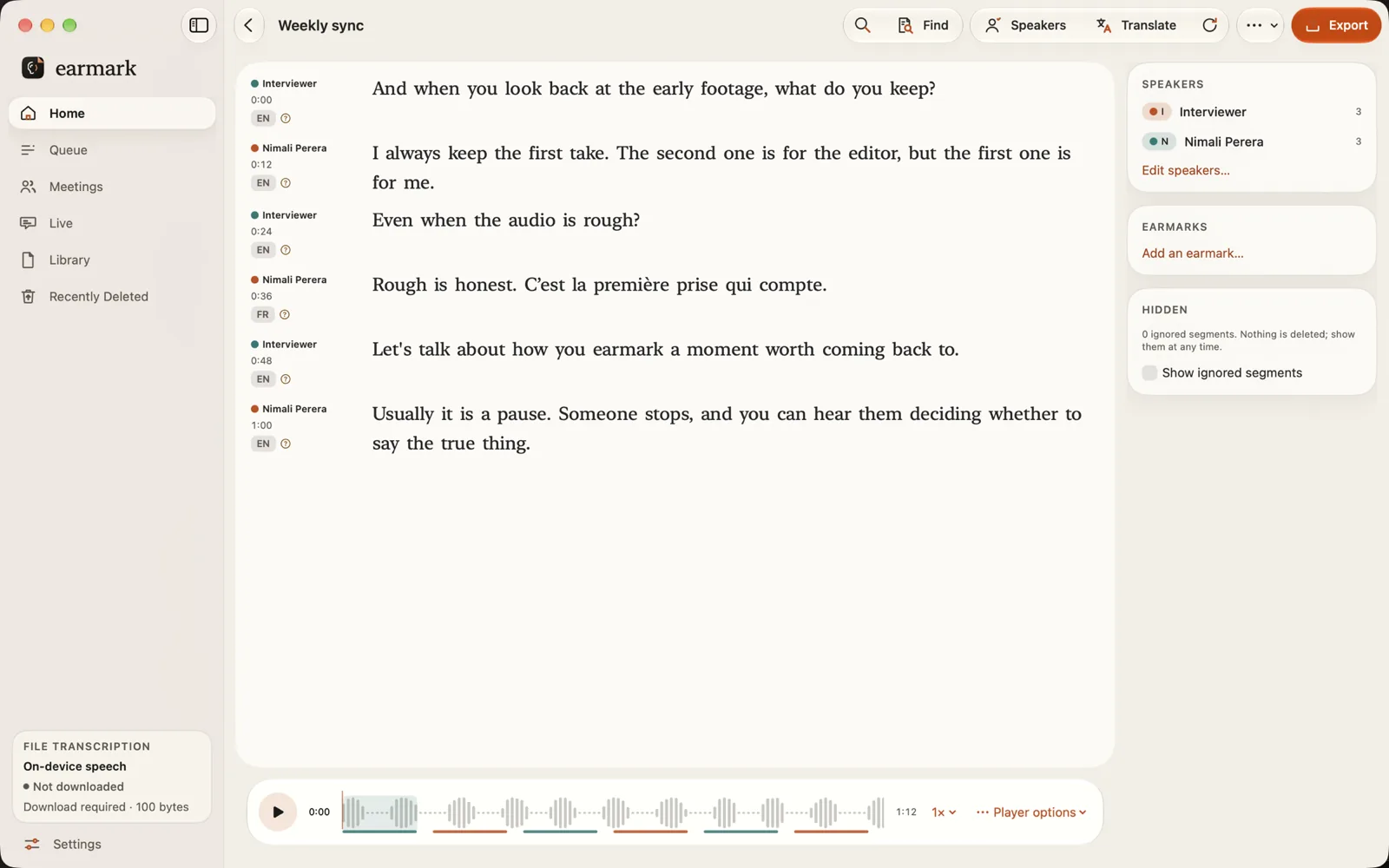
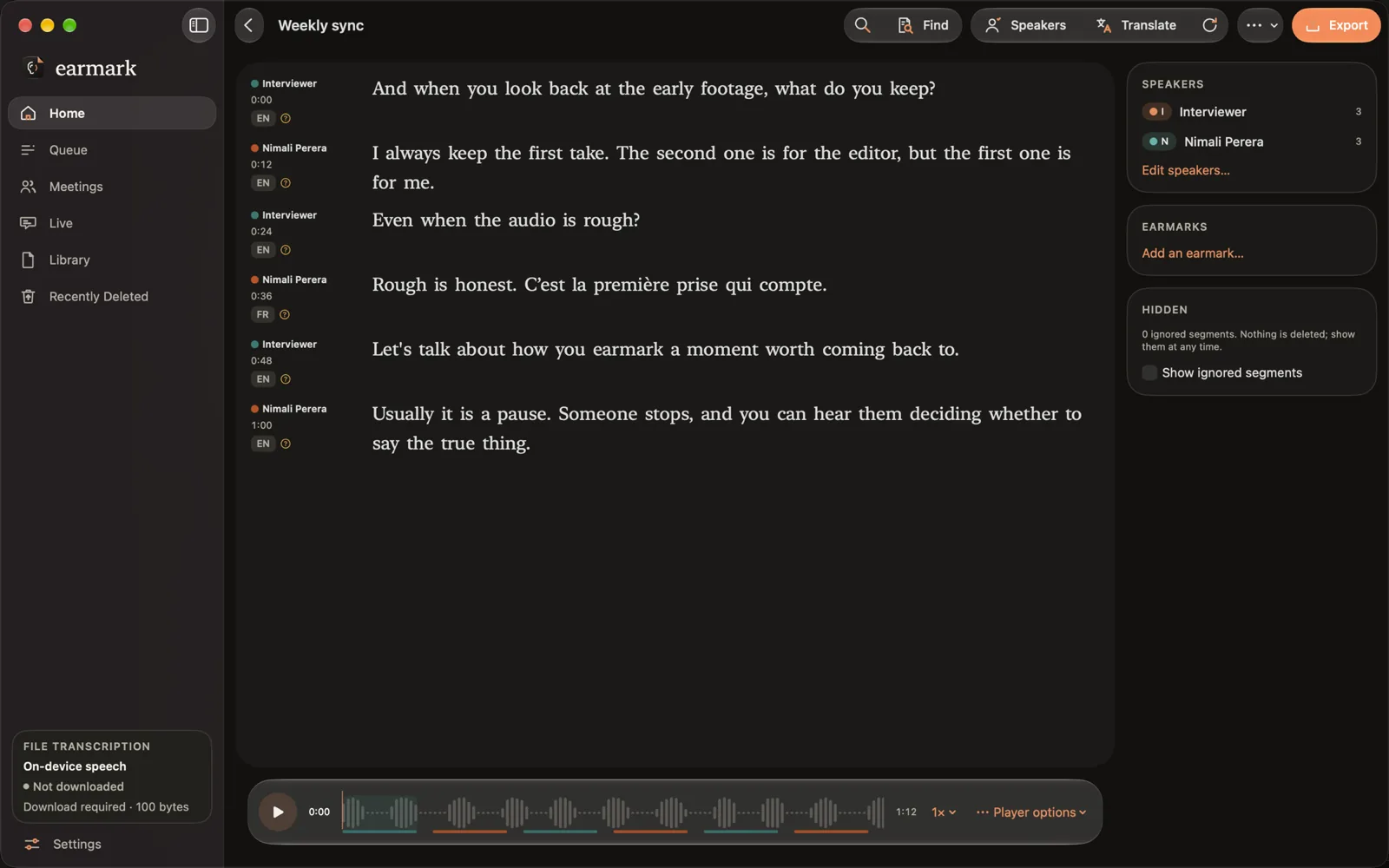
Click a word to hear it. Edit text and speakers.
Including Sinhala. Original, translated or bilingual.
Documents, data and subtitles in one click.
Audio and transcripts never leave your Mac.
Screenshots
How it works
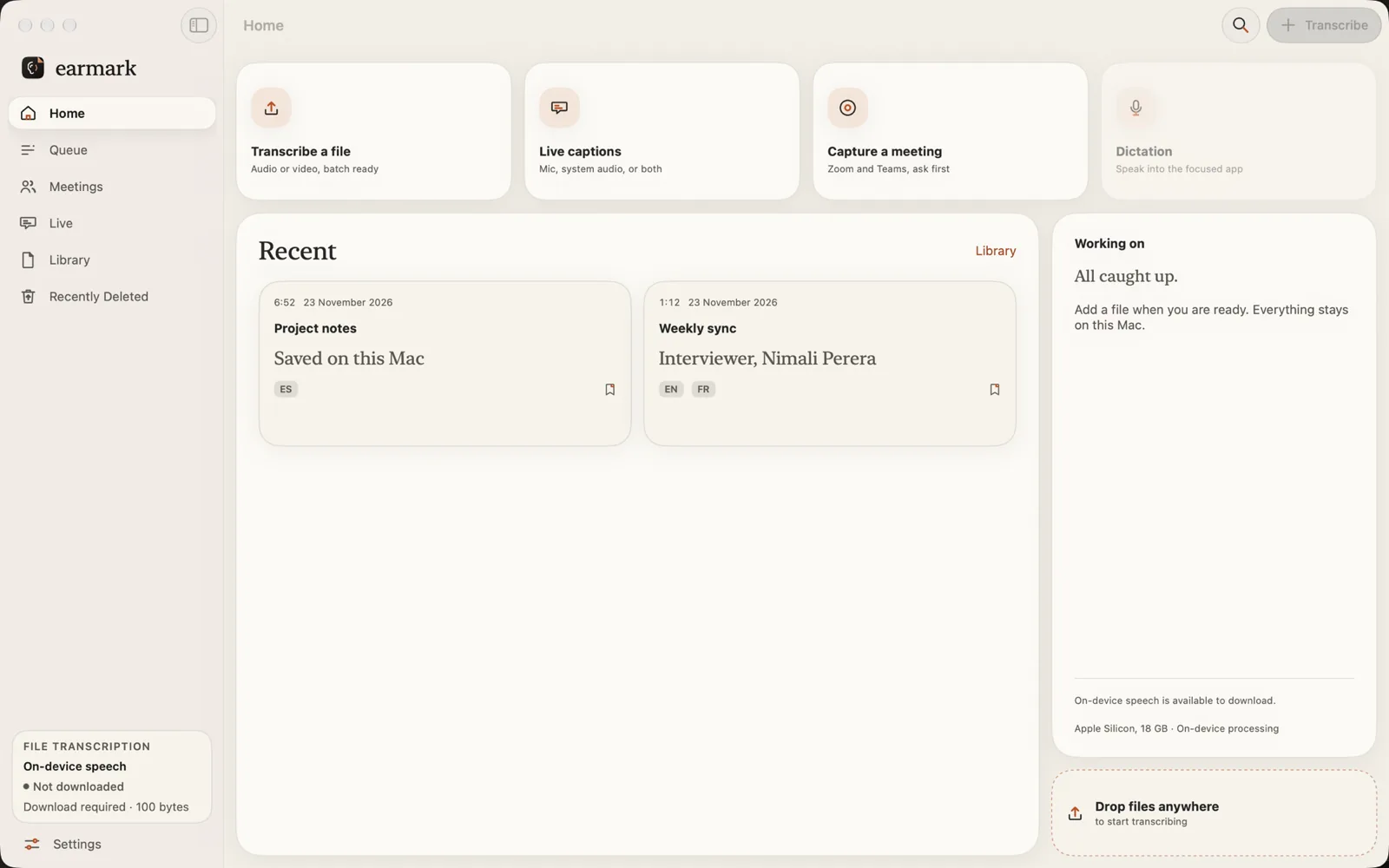
Download only what you choose, once.
Drop a file, join a call or just speak.
Refine the transcript, then save it your way.
Privacy
Earmark has no accounts and no cloud transcription.
Install
Open System Settings → Privacy & Security and choose Open Anyway.
Or use Terminal instead:
xattr -dr com.apple.quarantine /Applications/Earmark.app
FAQ
Yes. Earmark is open source under the MIT licence. If you like it, you can support it on Ko-fi.
Not your audio or transcripts. The only network use is model downloads you start and optional update checks.
Earmark is signed with a self-signed certificate and is not notarized by Apple. Approve it once, as described above.
Apple silicon Macs running macOS 26 or later.
It depends on the model you pick. Sinhala is supported, and Earmark can translate and show bilingual transcripts.